FortiGate Firewall? Why i love this firewall

FortiGate is a popular firewall appliance developed by Fortinet, designed to protect networks from cyberattacks, unauthorized access, and harmful traffic. It’s widely used in businesses of all sizes—from small offices to large enterprises—because of its strong security features, fast performance, and easy management

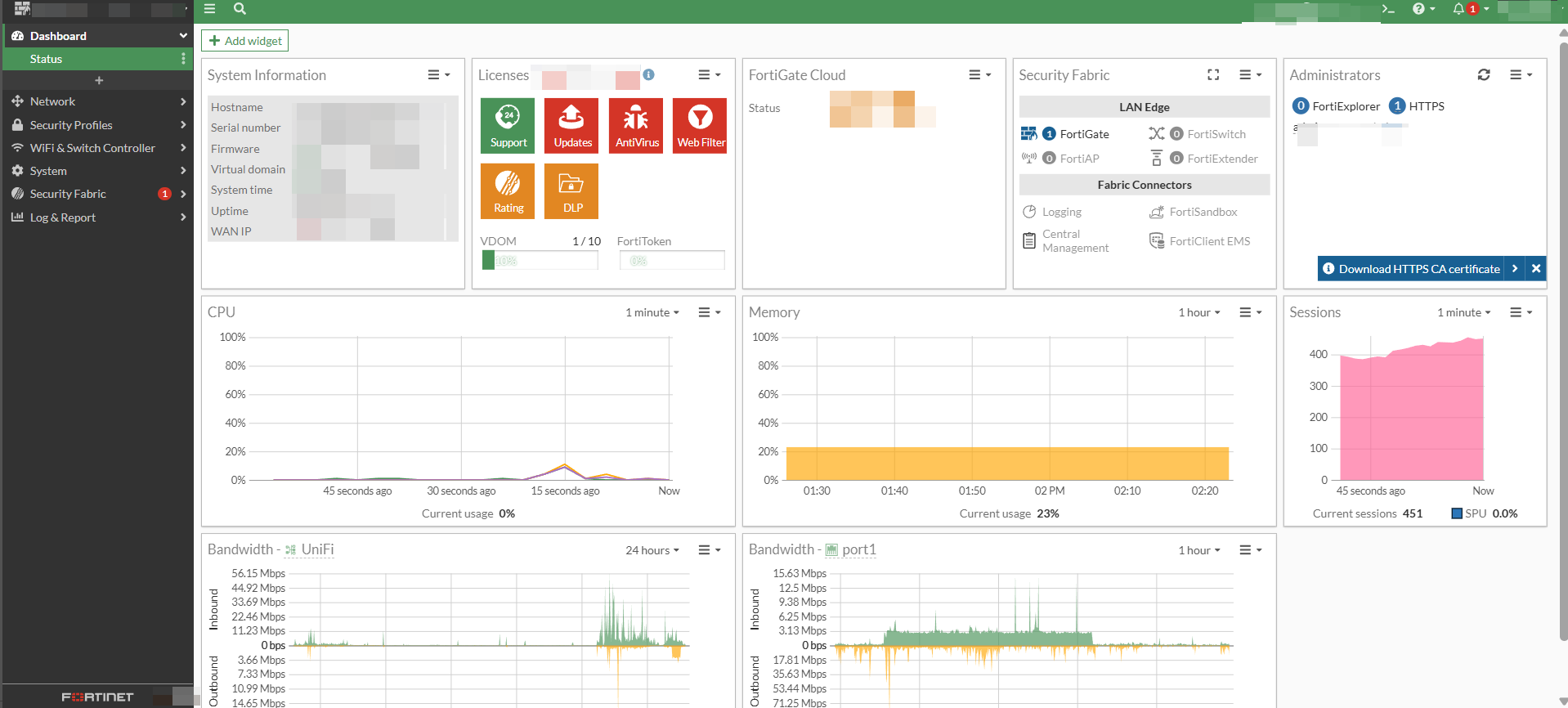
First thing is fortigate dashboard is very easy to understand. Can configure WAN with PPPOE which in Malaysia required vlan 500 for sub interface. There is one Firewall that cannot make direct sub-inferface vlan but that model is very good.

Pricing for fortigate + subscription is not very high which is good for small business to protect its internal network

Fortigate is not only Firewall available in commercial but got other brand

Key Features of FortiGate

  1. Firewall & Access Control

Allows or blocks network traffic based on rules you create.

  1. Intrusion Prevention System (IPS)

Detects attacks and blocks them before they reach your devices.

  1. Web Filtering

Controls access to websites by categories (e.g., social media, gambling, adult content, streaming, etc.).

  1. Antivirus & Malware Protection

Scans network traffic to prevent harmful files from entering the network.

  1. VPN Support

FortiGate supports:

SSL VPN

IPSec VPN

Useful for remote workers connecting securely to the office.

  1. SD-WAN

Helps balance multiple internet connections and improve network performance.

What Is a Firewall? A Simple Explanation for Beginners

A firewall is a security system that controls the network traffic entering or leaving a device, server, or network. Its main job is to protect your system from unwanted access, cyberattacks, and malicious activities by allowing only safe and approved connections.

Think of a firewall as a security guard—it checks every “visitor” (data packet) and decides whether to allow or block it based on rules.

Why a Firewall Is Important

  1. Protects Against Unauthorized Access

Firewalls block attackers who try to break into your network or servers.

  1. Filters Malicious Traffic

Suspicious or harmful traffic (viruses, malware, scans) can be stopped before reaching your device.

  1. Controls Network Usage

Admins can define rules to:

Allow or deny specific ports

Limit access to certain websites

Restrict certain apps or services

  1. Maintains Privacy

Firewalls help keep your internal network hidden from the public internet.

Did you know, Sophos provide Free Firewall Home Edition ?

They provide Software appliance that can be installed on a dedicated Intel™ – compatible PC.

  • No subscription needed
  • Lightweight and doesn’t slow down the PC
  • Beginner-friendly but still has advanced options
  • More visibility than the default Windows firewall
  • Good for privacy-conscious users


Alternative for Free you may check with Open Source

  • pfSense
  • OPNsense – zenarmor can be integrated with the firewall to give you more advanced protection.